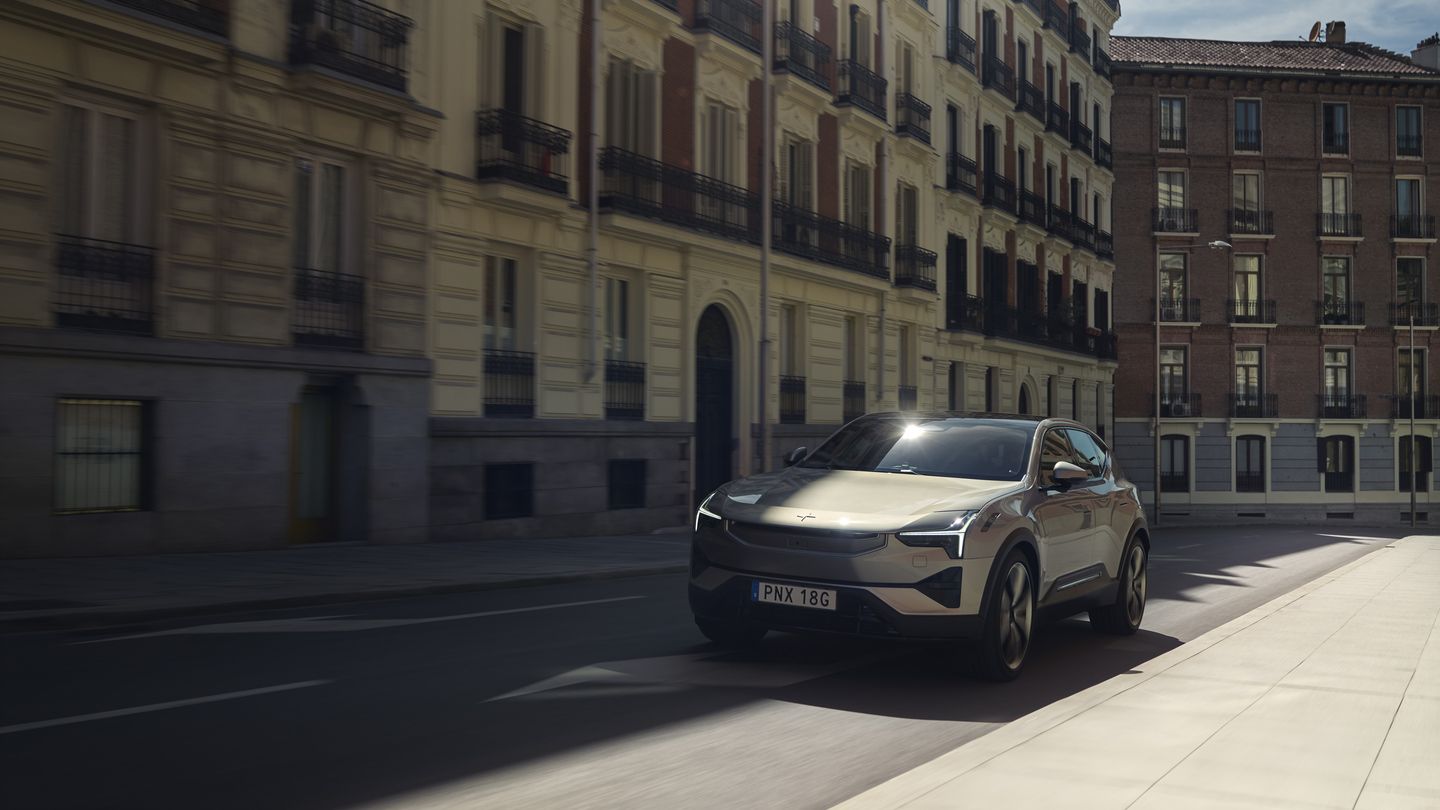
Pilot Assist Explained: The Driver Assistance Built Into Every 2027 Polestar 3
Driver assistance is easy to list and hard to judge from a brochure. For Quebec shoppers weighing the 2027 Polestar 3, the useful question is what...
Read more
A commute rarely goes exactly as planned. A detour here, a closed lane there, a last-minute stop before you’re supposed to be somewhere else. The small disruptions add up, and by the time you’re home, you’ve spent more mental energy on the drive than the destination deserved.
The Polestar 2 pairs its fastback design with Google built-in, a system meant to take some of that friction out of daily driving. For Quebec commuters navigating mixed urban and suburban routes, that matters more than it might sound.
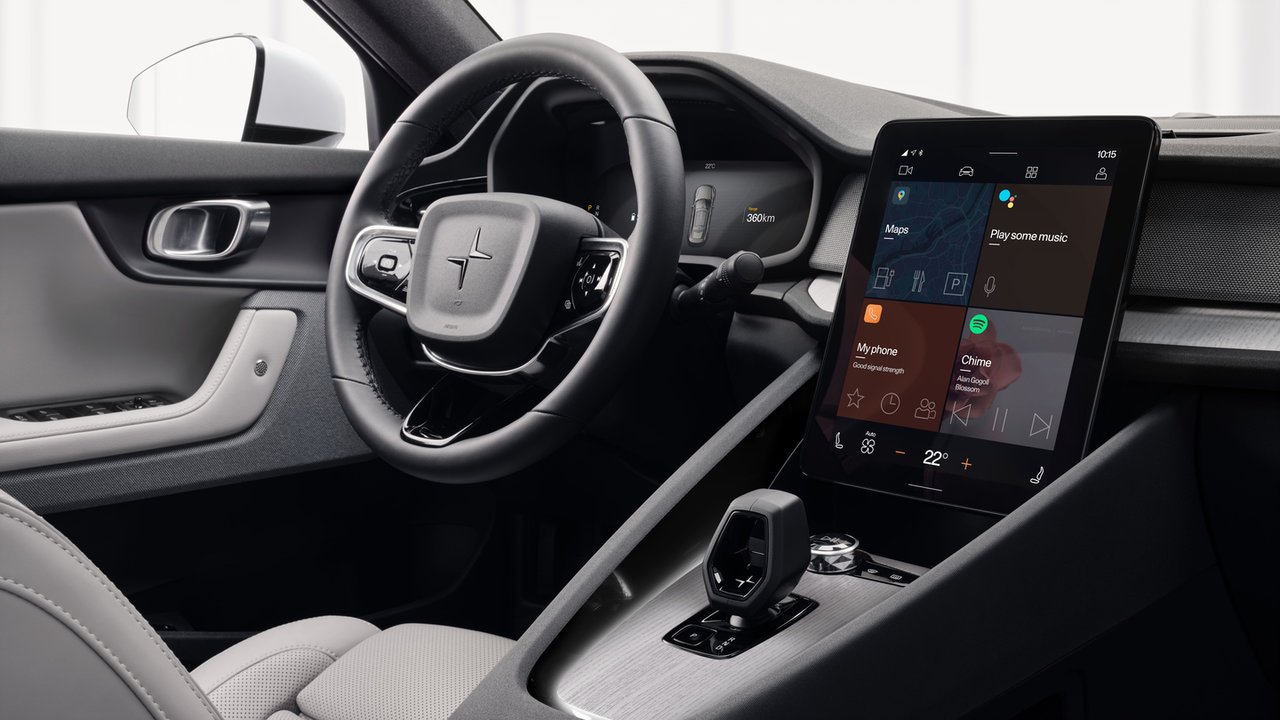
Google built-in on the Polestar 2 runs on Android Automotive OS, developed with Polestar’s own interface layer. It’s not a phone mirrored onto a screen; Google Maps, Google Assistant, and related apps run natively in the car.
The centre display measures 11.2 inches with an anti-reflective coating, and the driver display is a 12.3-inch screen positioned directly in the driver’s line of sight. Standard connected services include over-the-air updates, Polestar Connect, SOS calling, the Polestar app, and wired Apple CarPlay and Android Auto.
Live navigation, Google Assistant, Spotify, YouTube, Waze, and other Google Play apps come through Connected Services Plus, included for the first 36 months. That distinction matters: basic connectivity is standard, but the live-navigation and voice-assistant features that make daily commuting easier ride on that subscription window.
In practice, the system is built around fewer taps. You can ask Google Assistant to start a route, change a destination mid-drive, or search for a place, and the request plays out on the centre screen without pulling your eyes off the road for long.
Live maps track traffic conditions in real time, so a slowdown or new detour reroutes automatically instead of leaving you to notice the delay yourself. That’s the practical value: the system watches the road ahead so you don’t have to interrupt your drive to check it.
A quick-reference look at what’s built into this workflow:
|
Element |
Role |
|
11.2-inch centre display |
Runs live maps, Assistant, and app access |
|
12.3-inch driver display |
Keeps route and speed information ahead of the driver’s eyes |
|
Google Assistant |
Handles voice destination changes and place searches |
|
Connected Services Plus |
Unlocks live navigation, Assistant, and streaming apps |

A highway drive to a cottage rarely changes route once you’re on it. A weekday commute is a different animal: traffic shifts hour to hour, construction closes lanes without warning, and a forgotten errand can rewrite your route on the fly.
That’s where live, connected navigation earns its keep. Rerouting around a sudden slowdown, adding a stop without pulling over to type an address, and getting a clear next-turn prompt on repeat trips through unfamiliar parts of Greater Quebec are all commuting problems, not weekend ones.
Voice control plays a specific role here too. Being able to start a route or search for a destination by speaking means fewer glances at the touchscreen during the exact moments, merging, stopping short, checking a mirror, when you’d rather keep both hands and eyes elsewhere.
This system is built for drivers who repeat the same handful of routes: the office run, the school pickup, the regular errands. A low-effort, voice-first interface removes friction from routines you’re already doing on autopilot.
It also suits shared-household use. Up to six driver profiles are supported, so each driver’s navigation history, seat position, and preferences load automatically rather than needing to be reset trip to trip.
The caveat is real: live maps depend on signal, an active Connected Services Plus subscription, and a Google account actually set up and used. A driver who rarely opens the connected apps won’t see much benefit over basic turn-by-turn navigation.
Beyond navigation, the daily-comfort details support the same routine-driving case: 15 W wireless phone charging plus four USB-C ports (two front, two rear) keep devices topped up on repeat trips, and the available Harman Kardon system with 13 speakers rounds out the cabin for longer stretches behind the wheel.
The Polestar 2 is a fastback EV built around a performance-first character, and its infotainment story is really about everyday usability: live maps, voice control, and a low-effort interface for drivers who repeat the same routes.
Visit Polestar Brossard in Brossard to try the Google Assistant and live navigation on an actual city drive, and see how the display layout and voice workflow handle a real commute before you decide.
Pilot Assist Explained: The Driver Assistance Built Into Every 2027 Polestar 3
Driver assistance is easy to list and hard to judge from a brochure. For Quebec shoppers weighing the 2027 Polestar 3, the useful question is what...
Read more
How Much Can the 2027 Polestar 3 Tow?
A trailer changes what you ask of an SUV. You want to know what it can pull, how the hitch works, and how the rest of the vehicle behaves once the...
Read more
Coupe or SUV: How to Choose Your 2027 Polestar 4
The 2027 Polestar 4 gives Quebec shoppers a real fork in the road: the coupe, with no rear window, or the SUV, with an upright tailgate and glass...
Read morePowered and developed by
